 Google Play
 App Store

02)403-6990
Call the Baroder Sales Support Center
for faster assistance.


Pick Up Every Order
with Baroder
Connect with new customers
and make ordering easier with Baroder.
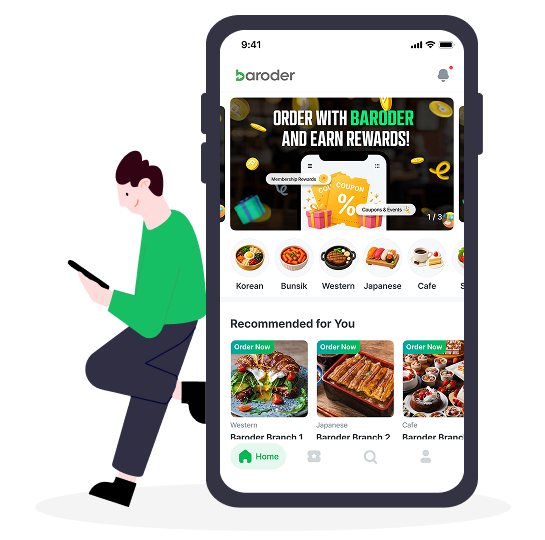
Attract more customers and manage orders
more efficiently with Baroder.

Scan the QR code to download the app.
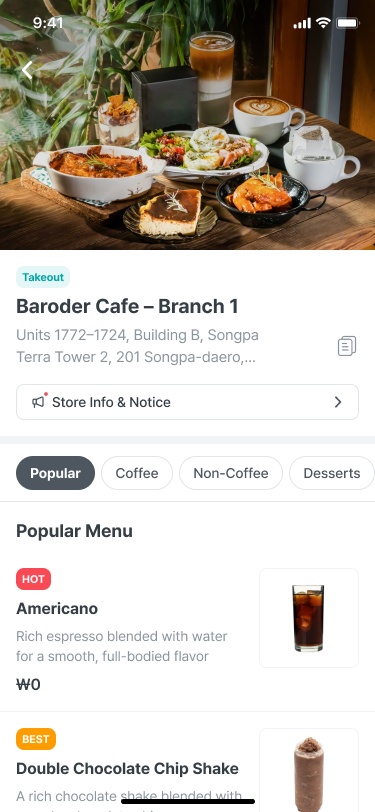
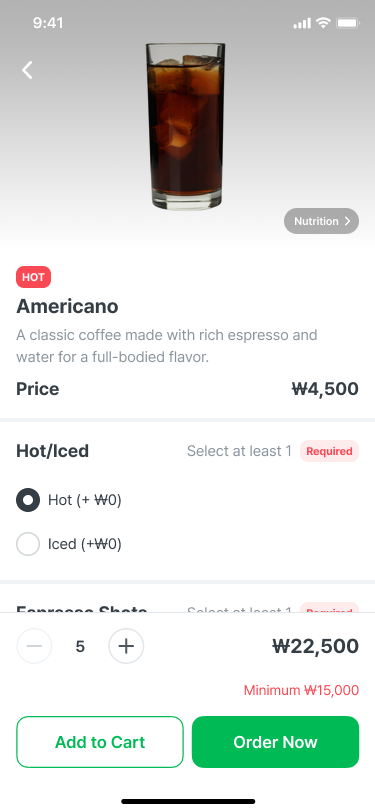
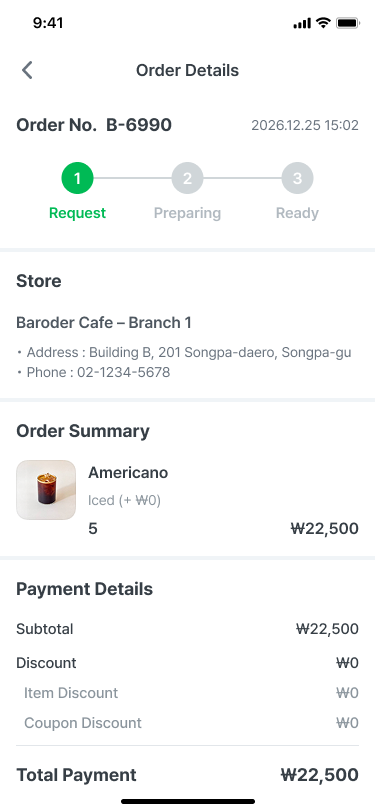
Orders placed through the Baroder App
can be viewed on the store’s POS,
and customers are notified when their orders are accepted and ready for pickup.

Customers browse the menu
and place an order through
the app.

Order details are instantly
sent to the store’s POS.

Customers receive a
notification
when their order is ready.
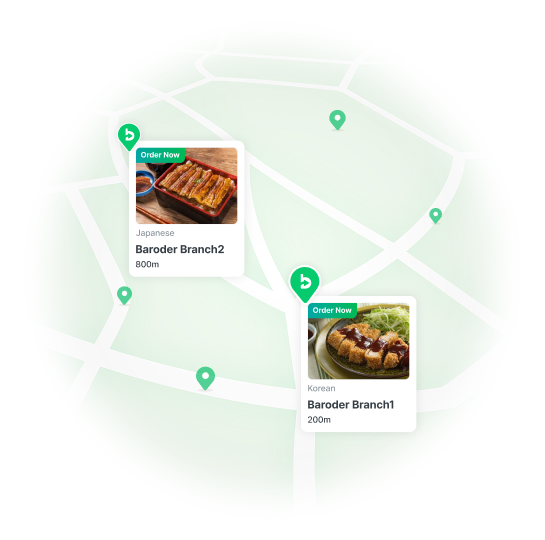

Increase your store’s visibility
and connect with more nearby customers.

Create targeted coupons for each customer
and manage customer relationships more effectively.


Create a points or stamp program
that fits your store’s needs.
The Baroder App lets customers find nearby participating stores,
browse menus, and place and pay for pickup orders.
Stores can promote their menus and encourage repeat visits with coupons, points, and stamp rewards.
Yes. Participating stores can offer either points or stamp rewards based on their loyalty program.
Yes. Stores can offer coupons for promotions, encouraging first-time orders and repeat visits.
Yes. Orders can be received and managed through Baroder POS,
with order acceptance and pickup-ready notifications sent to customers.
Integration with third-party POS systems is planned.
Once customers place and pay for an order in the Baroder App, the store prepares it.
Customers can pick up their order at the store after receiving a ready-for-pickup notification.