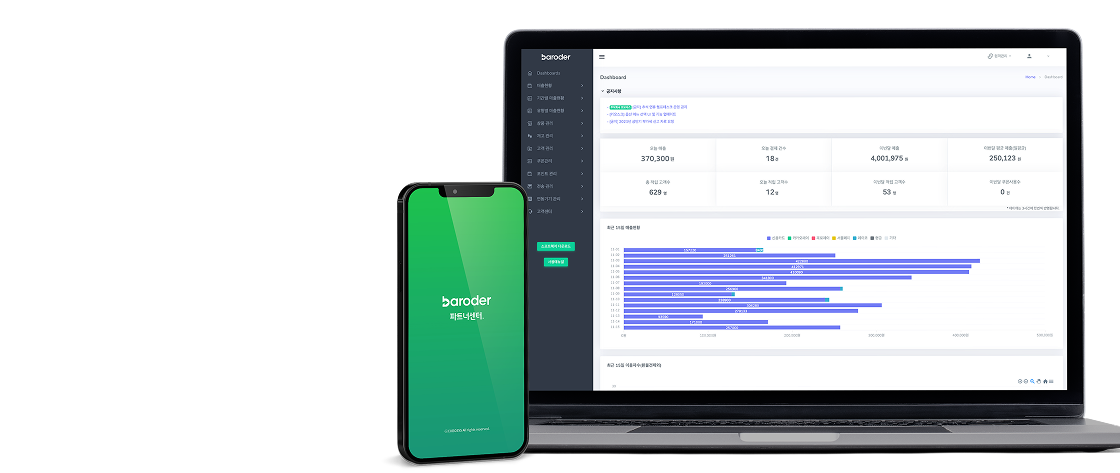
Visual
Why Choose QR Ordering
Order & Pay,
All with QR
-

Low Setup
Costs -
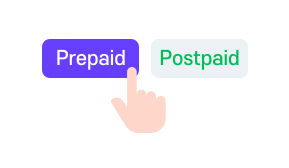
Flexible Payment
Options -

Order & Pay
at the Table
Start QR Ordering
with Zero Setup Cost
Lower Device Costs, Simplify Operations

From Pay First to Pay Later
Choose What Fits Your Store
Based on how you operate,
choose the payment option that fits.
| Prepaid | Postpaid | |
|---|---|---|
| Key Benefit | Fast ordering & quick turnover | Frequent add-on orders |
| Best For | Cafés, Snack Bars, Fast Food | BBQ Restaurants, Pubs |
| Payment Timing | Order & Pay Together | Pay Once After Dining |
Baroder QR Ordering
Made for Customers
From menu selection to payment and staff calls,
see how QR ordering works in real use.
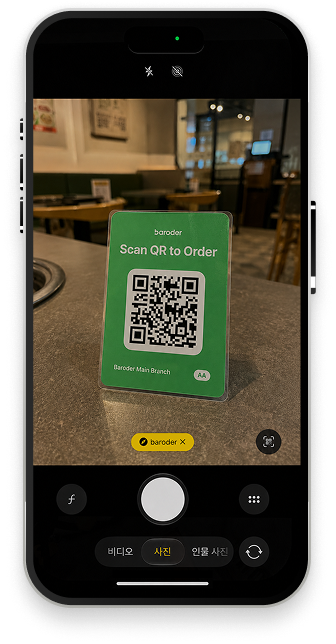
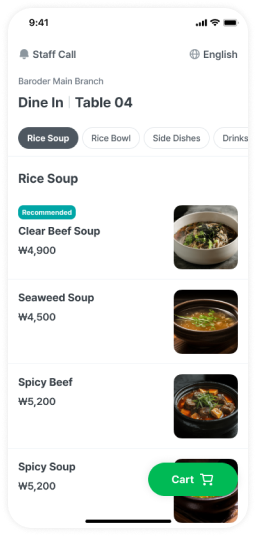 Menu Selection
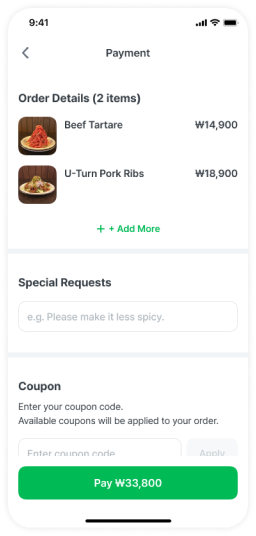 Payment
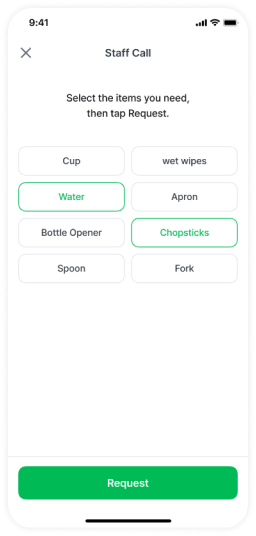 Staff Call
From New Menus to Events
Show Them on QR Order
Promote new menus, events, and store updates
directly on your QR ordering screen.

From Orders to Languages
Everything You Need
Check orders and payments through POS,
and offer multilingual ordering.
-
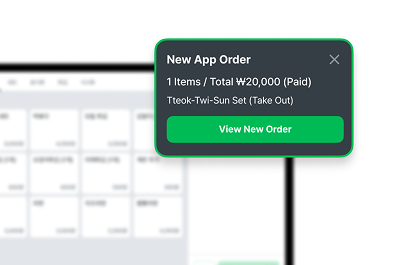 POS Integration
Check Orders & Payments
Directly on POS -
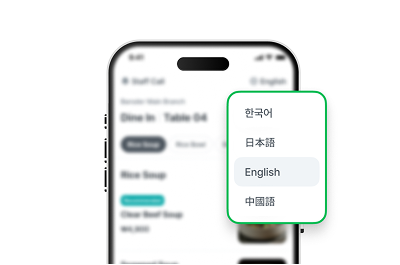 Multilingual Support
Support 4 Languages
for Easier Ordering
Manage It All
in Partner Center
Manage menus, orders, and store updates
all in one place.
- Menu ManagementEdit Menu & Availability
- Order ManagementView Orders & Payments
- Store ManagementPost Updates & Events