Baroder Kiosk

Wheelchair user with a companion using a Baroder accessible kiosk

Easy for everyone,
Baroder Kiosk

From unmanned stores to cafés and restaurants,
Baroder Kiosks

Baroder provides self-service and ordering kiosks to suit different store needs.

  • Choose products and pay directly

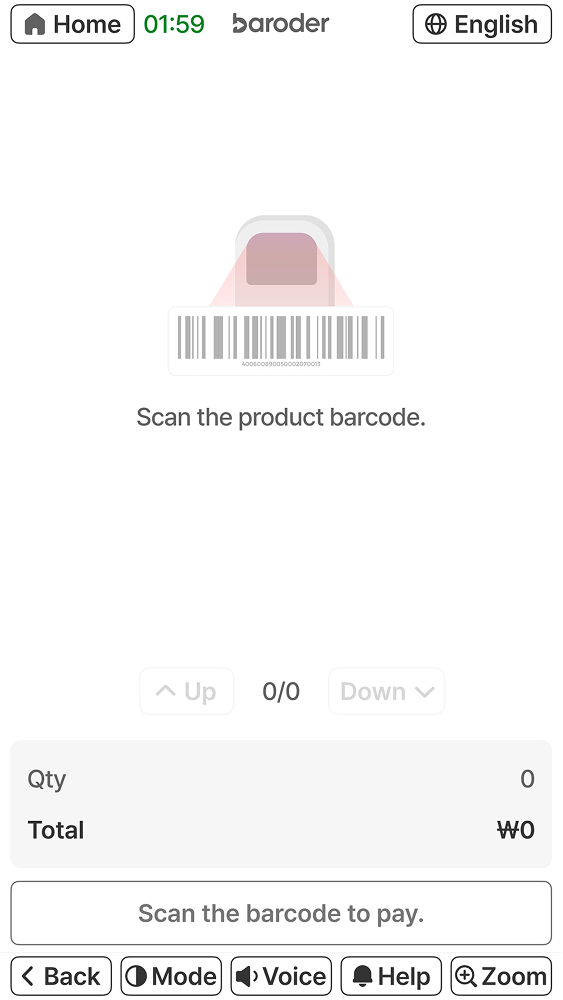
    Self-Service Kiosk for Unmanned Stores
    #Unmanned Flower Shop #Pet Store
    #Office Store #Fruit Shop #Stationery Store
    → Ideal for unmanned retail stores
    Baroder self-service kiosk screen for scanning product barcodes and paymentBaroder self-service kiosk screen for scanning product barcodes and payment
  • Choose menu items and options,

    then order and pay

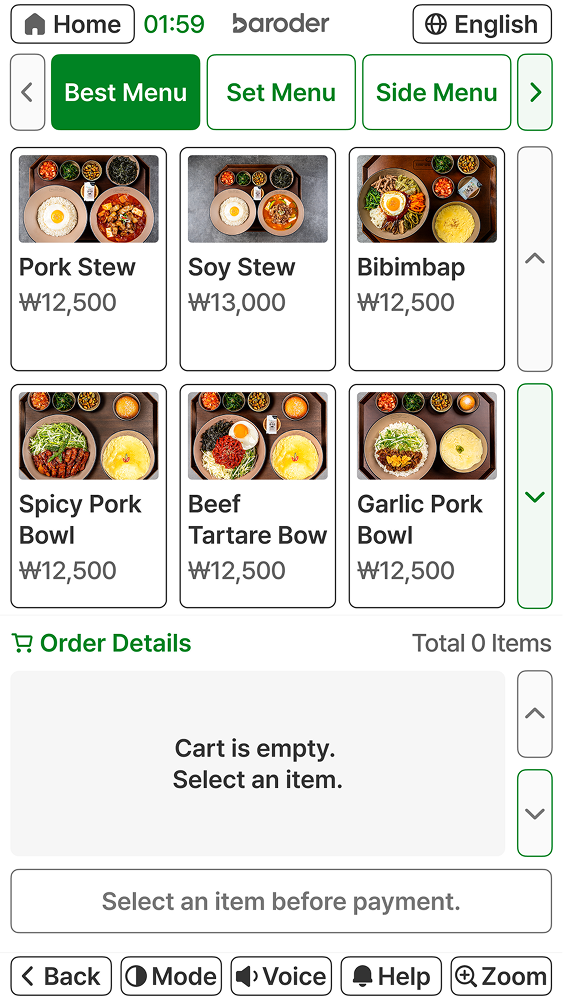
    Ordering Kiosk
    #Café #Bakery #Restaurant #Kids Café
    → Ideal for stores that require menu ordering
    Baroder ordering kiosk screen for selecting menu items and reviewing the orderBaroder ordering kiosk screen for selecting menu items and reviewing the order

No explanation needed,
what you see is what you use
Intuitive, user-centered screens

Baroder accessible kiosks provide accessibility-focused features for people with disabilities, older adults, and other users.

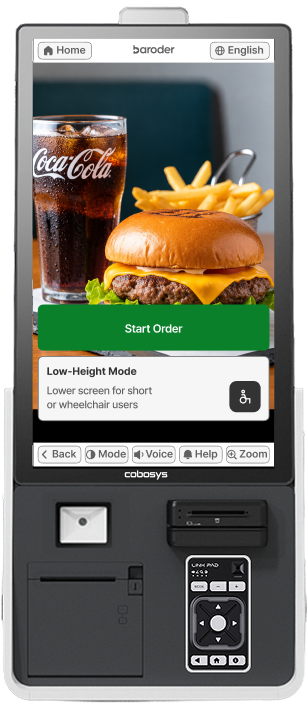
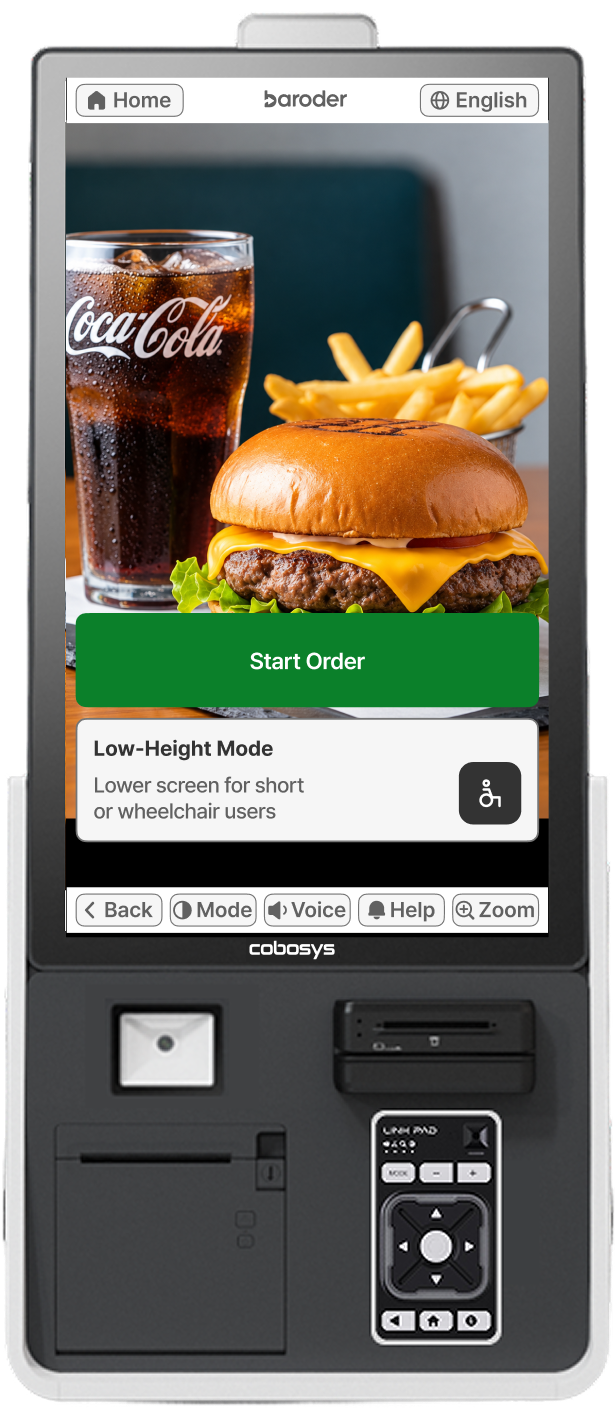
  • Baroder accessible kiosk showing the ordering screen and tactile keypad
  • Baroder accessible kiosk showing the ordering screen and tactile keypad
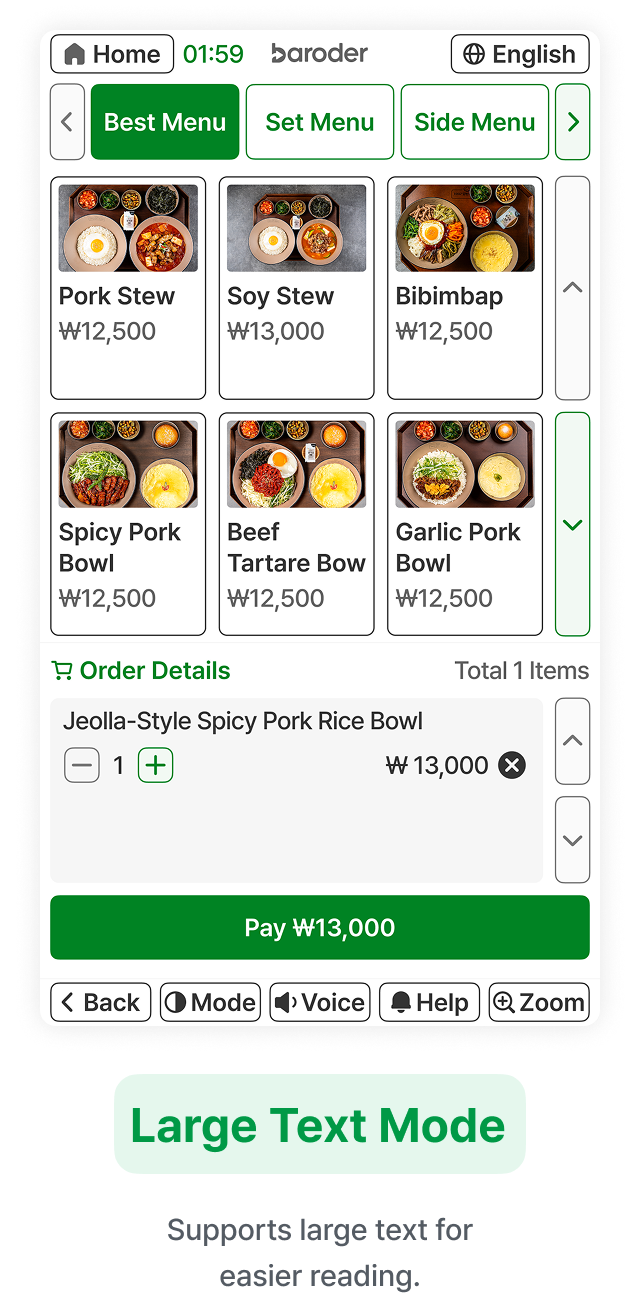
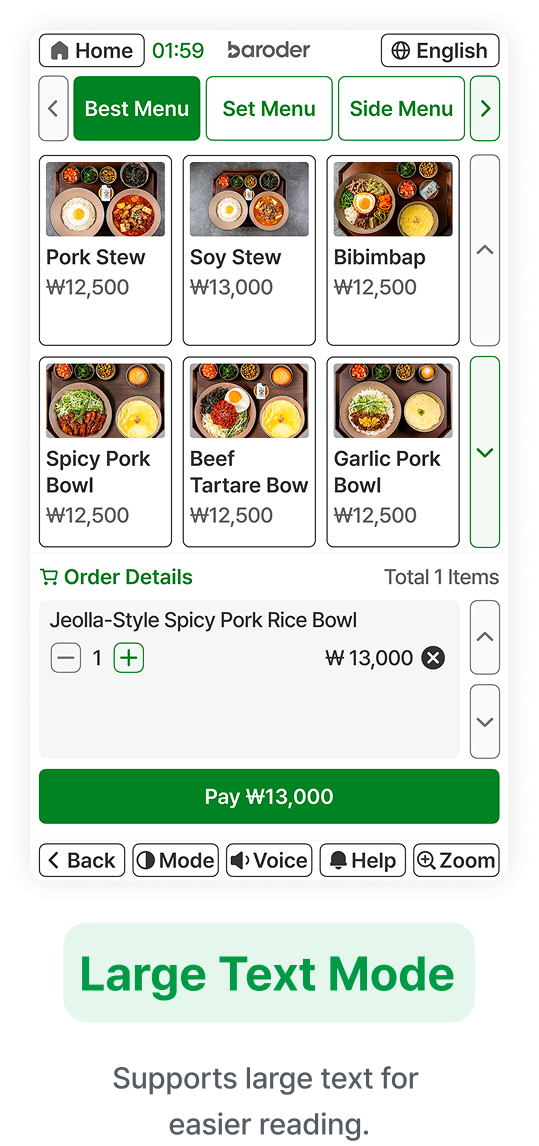
  • Baroder accessible kiosk in large-text mode displaying menu and order information
  • Baroder accessible kiosk in large-text mode displaying menu and order information
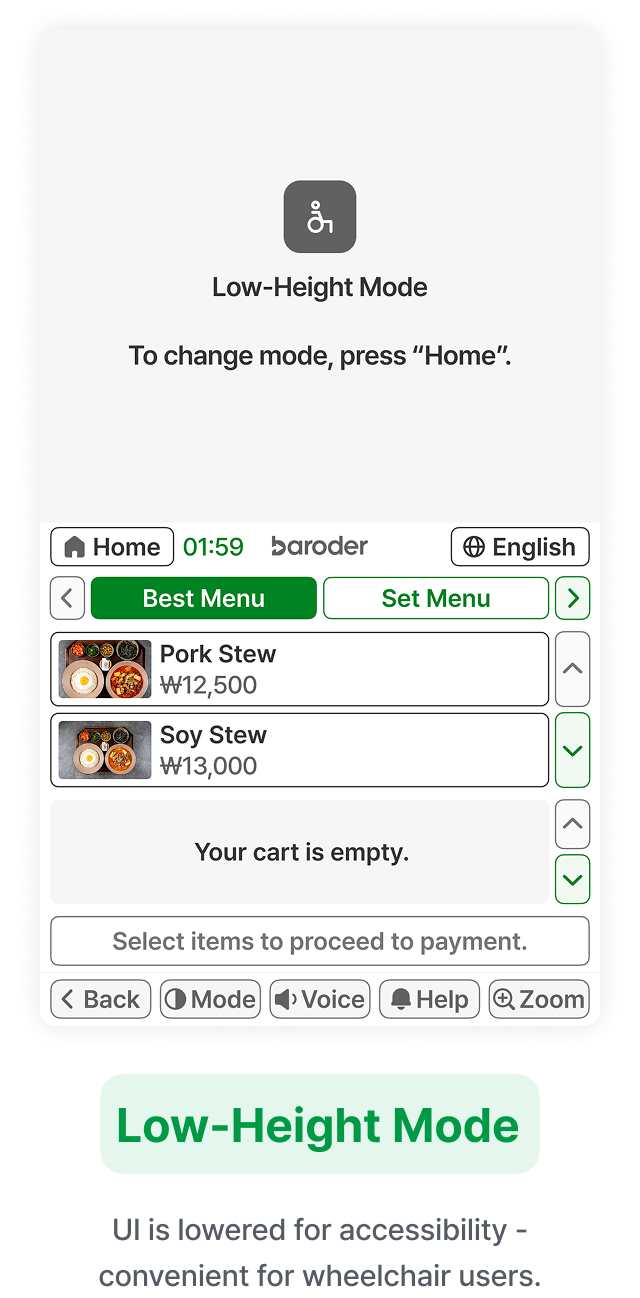
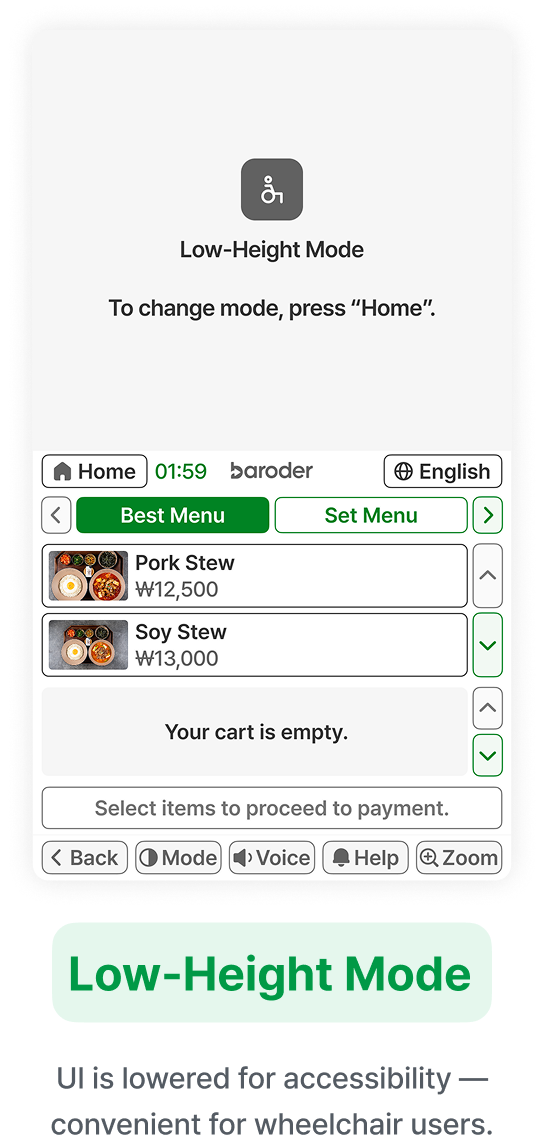
  • Baroder accessible kiosk in low-position mode with the interface displayed at a lower height
  • Baroder accessible kiosk in low-position mode with the interface displayed at a lower height
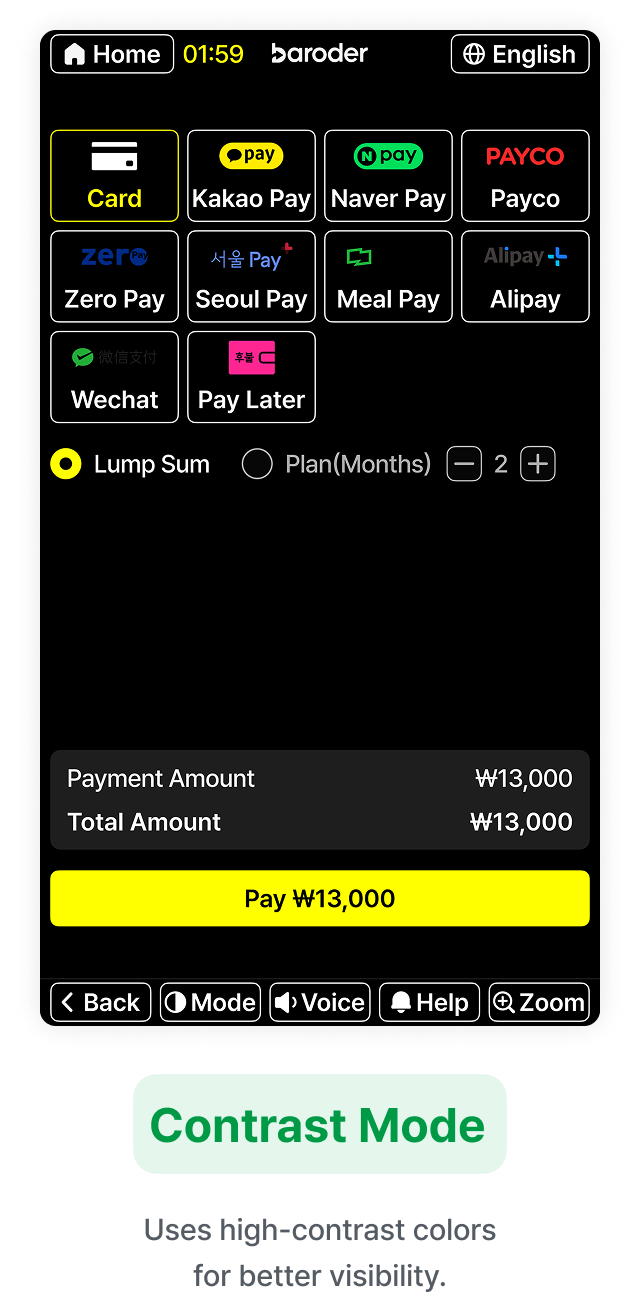
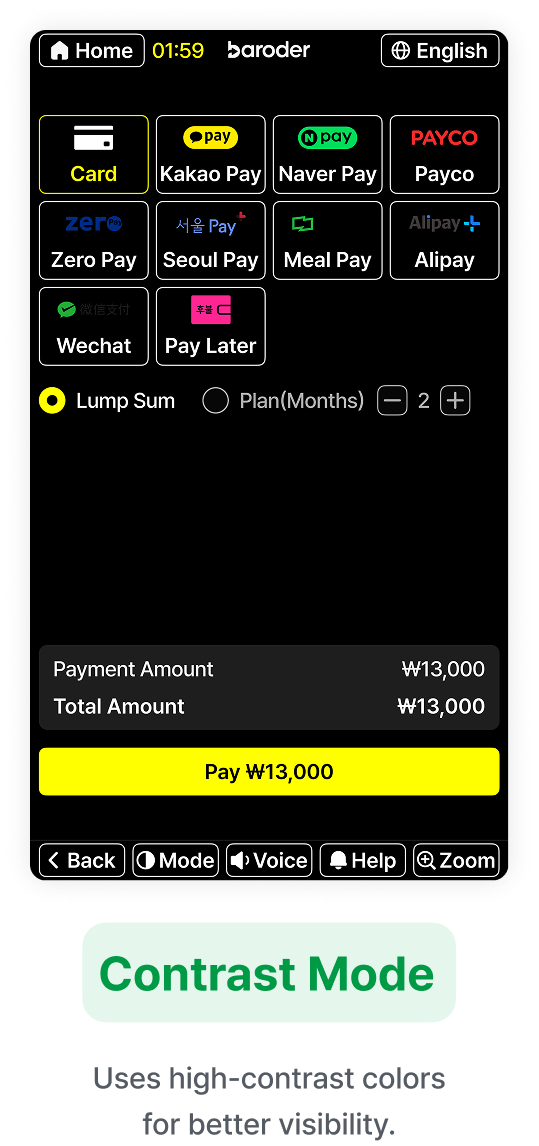
  • Baroder accessible kiosk in high-contrast mode displaying menu and payment information
  • Baroder accessible kiosk in high-contrast mode displaying menu and payment information

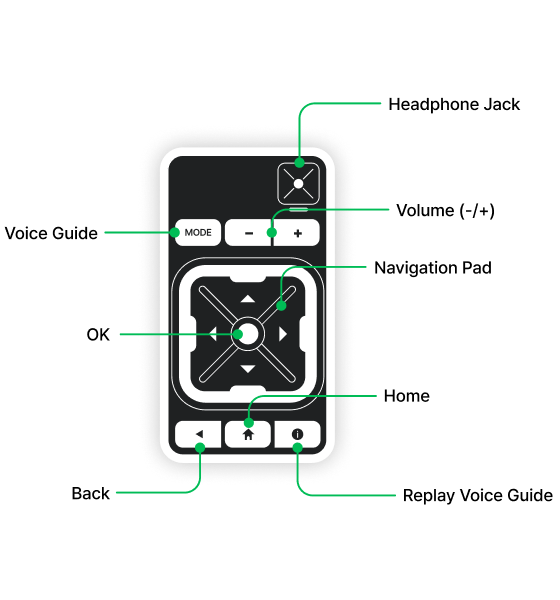
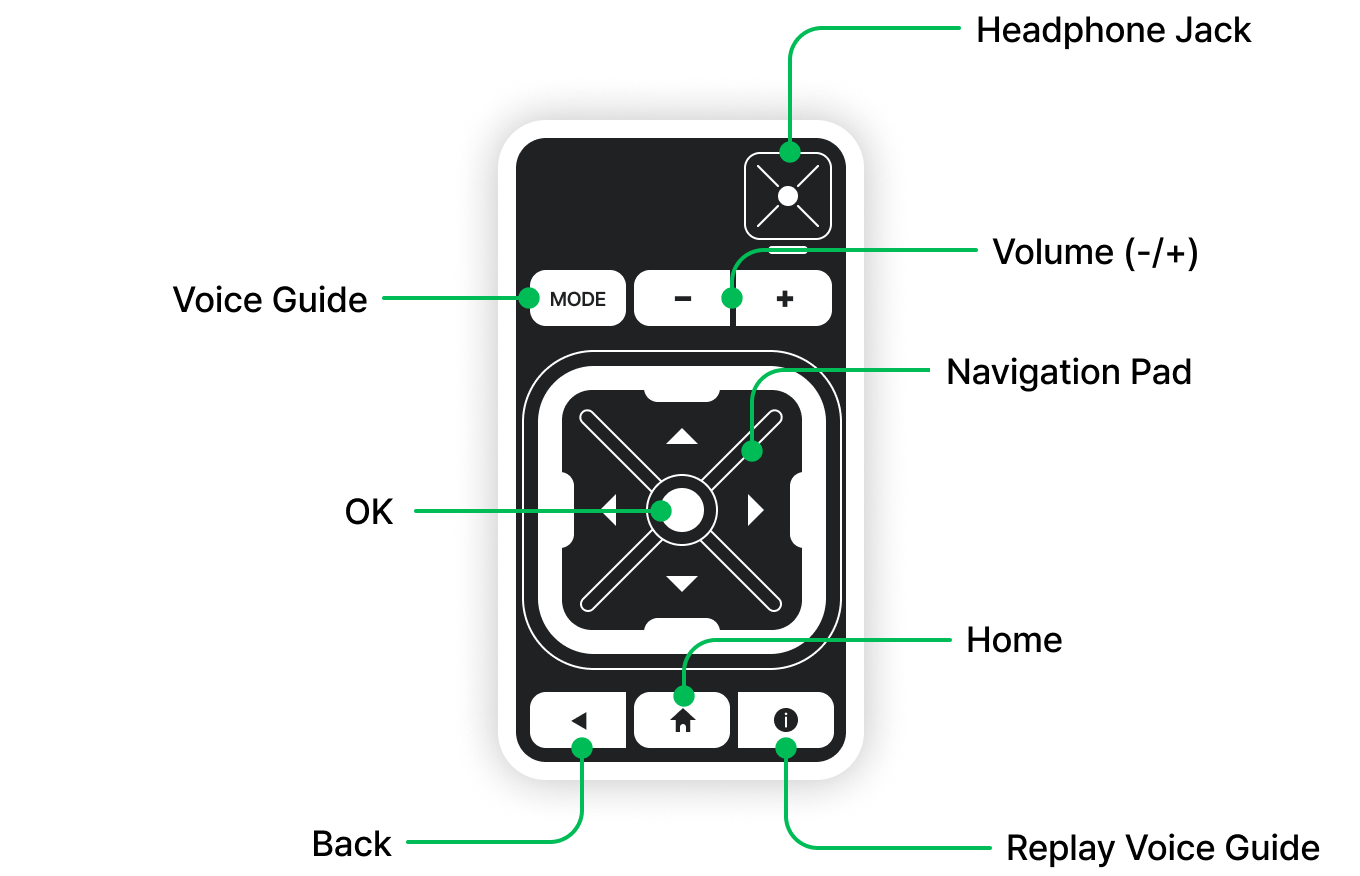
Braille & Tactile Keypad

Braille and tactile controls provide
easy access to voice guidance and
key functions.

Baroder accessible kiosk tactile keypad with volume, navigation, confirm, back, and voice guidance controls

From easy payments
to NFC payments

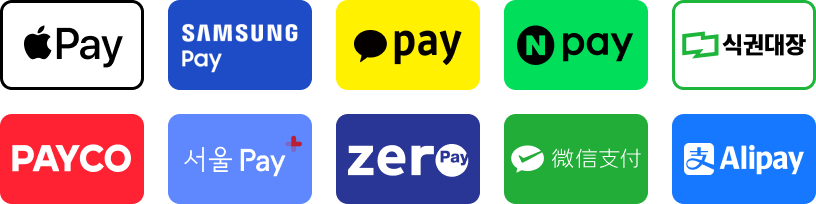
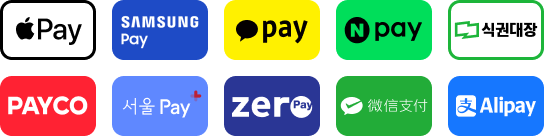
Supports card, QR, NFC, and meal voucher payments,
along with other payment methods.

Mobile, QR, and meal voucher payment methods supported by Baroder KioskMobile, QR, and meal voucher payment methods supported by Baroder Kiosk
Baroder kiosk payment screen showing payment methods and total amount

Create coupons easily
and use them instantly
at the kiosk

Create and send coupons from Baroder Partner Center,
then redeem them at the kiosk by scanning the barcode.

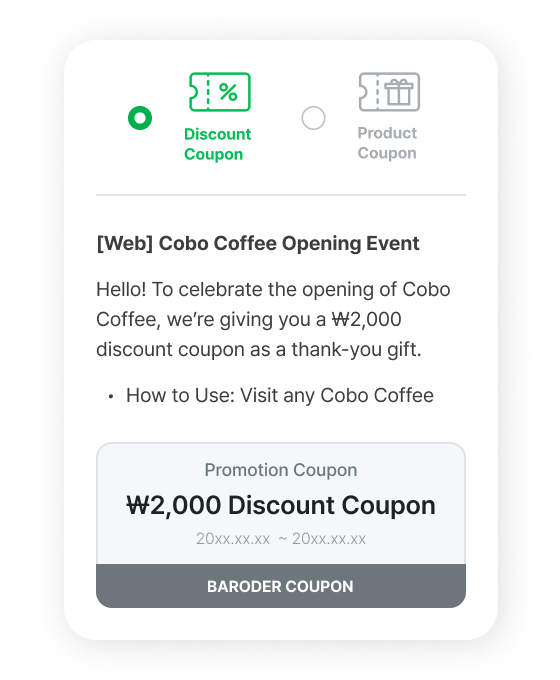
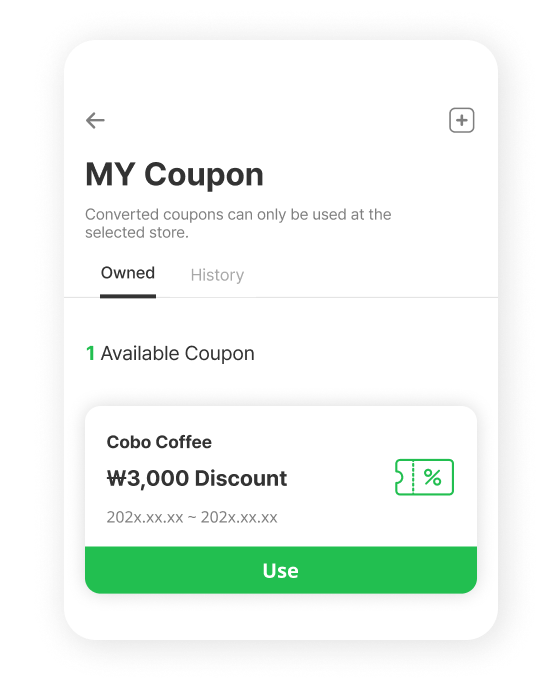
  • Baroder promotional discount coupon sent to a customer

    Create promotional coupons in
    Baroder
    Partner Center and
    send them to
    customers.

  • Baroder value coupon redeemed with customer points

    Amount coupons
    redeemed with
    accumulated points

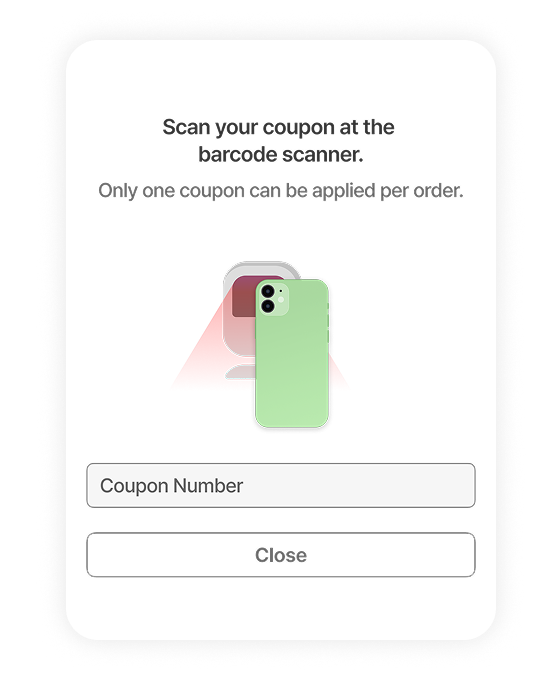
  • Baroder kiosk screen for scanning and applying a coupon barcode

    At the Baroder kiosk,
    use coupons by scanning
    the barcode

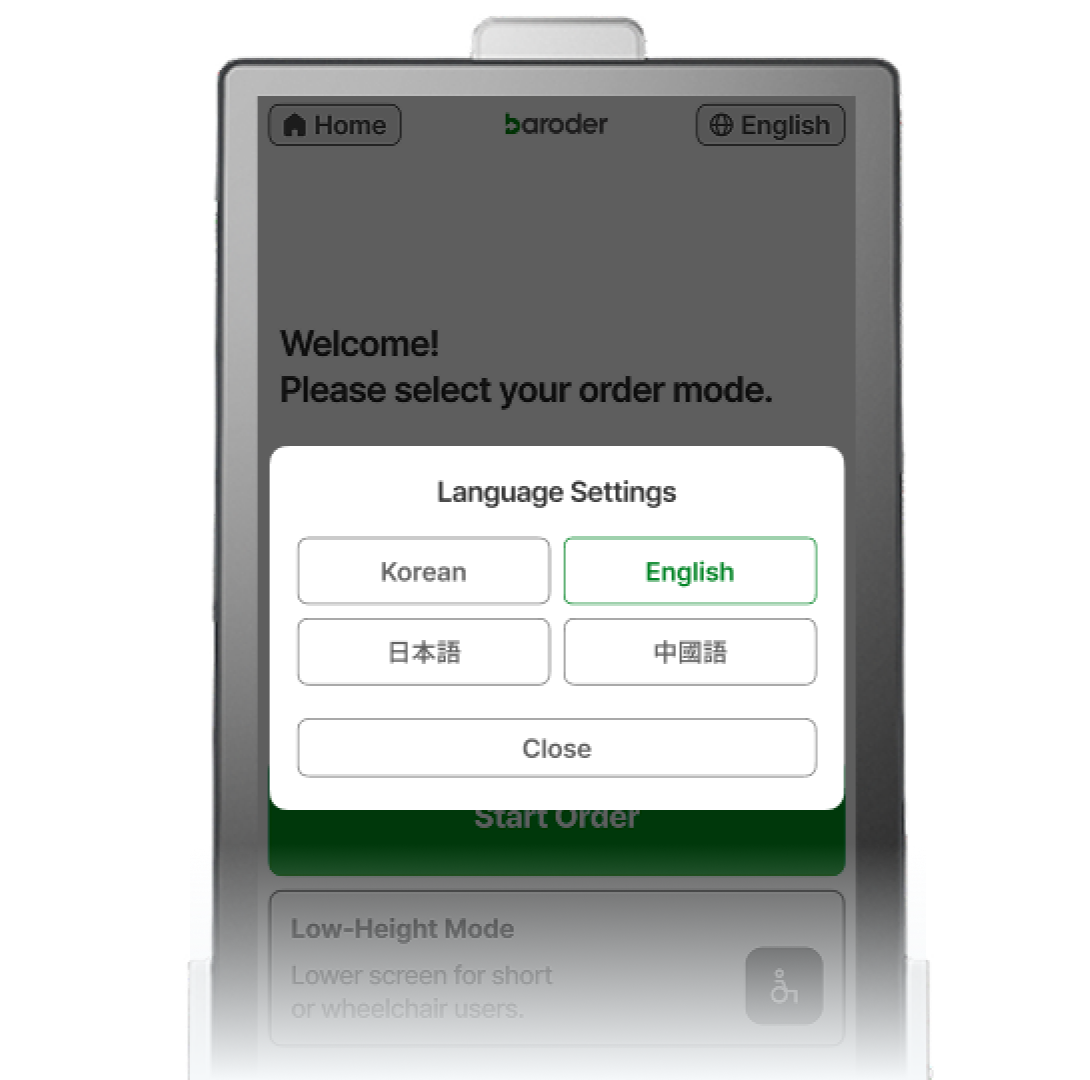
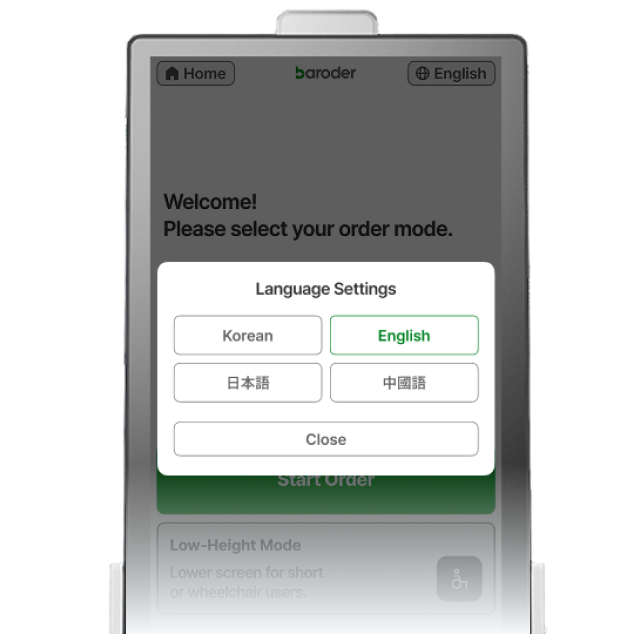
Baroder kiosk language selection screen for Korean, English, Japanese, and Chinese Baroder kiosk language selection screen for Korean, English, Japanese, and Chinese

Multilingual Support
for International Customers

AI translation in Baroder Partner Center supports
Korean, English, Chinese, and Japanese ordering.

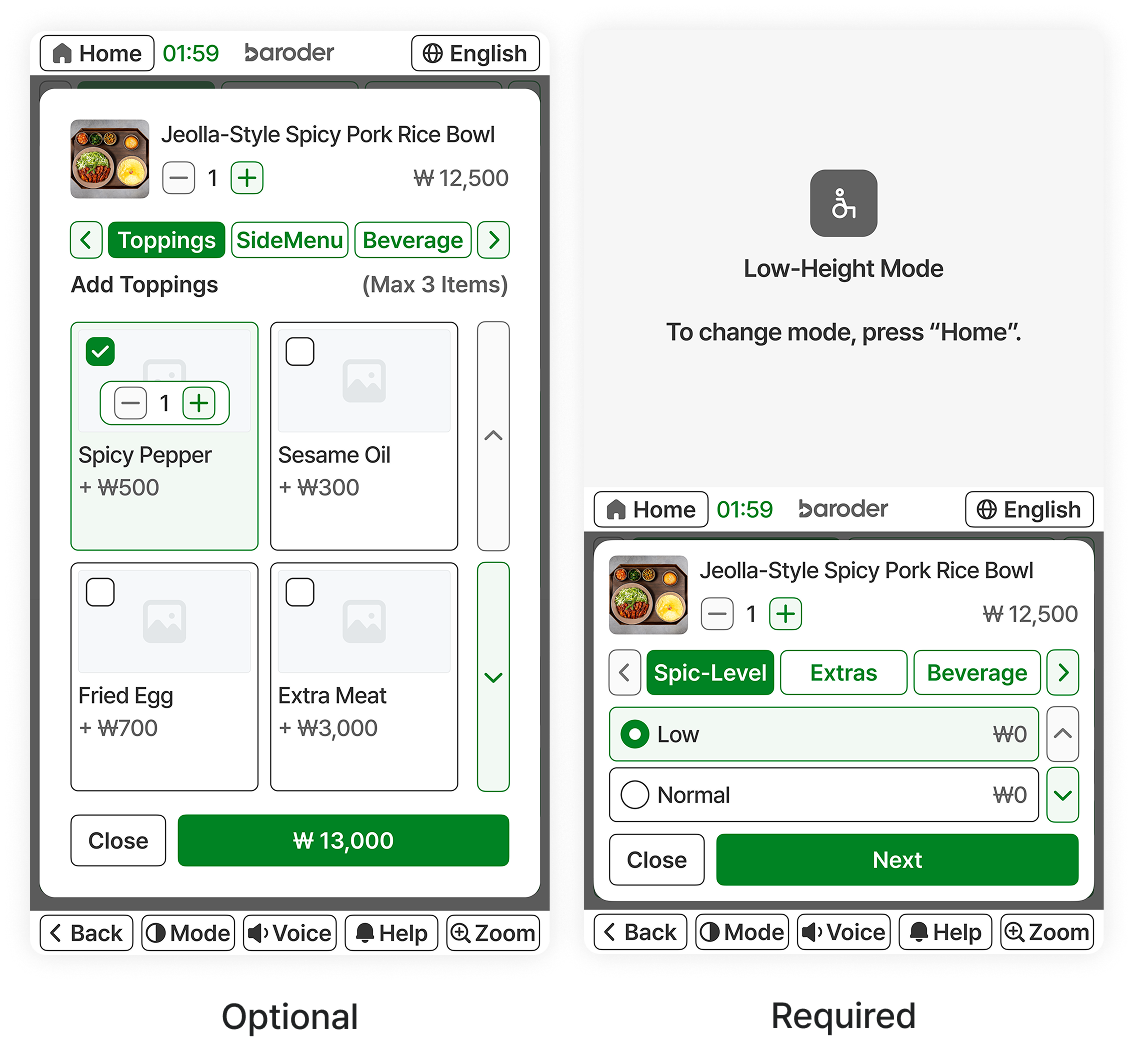
Want to add options
to your products?

In the Partner Center, you can set required options, optional add-ons, and option images,
so you can build menus optimized for your store,
and the configured options are applied to the kiosk automatically.

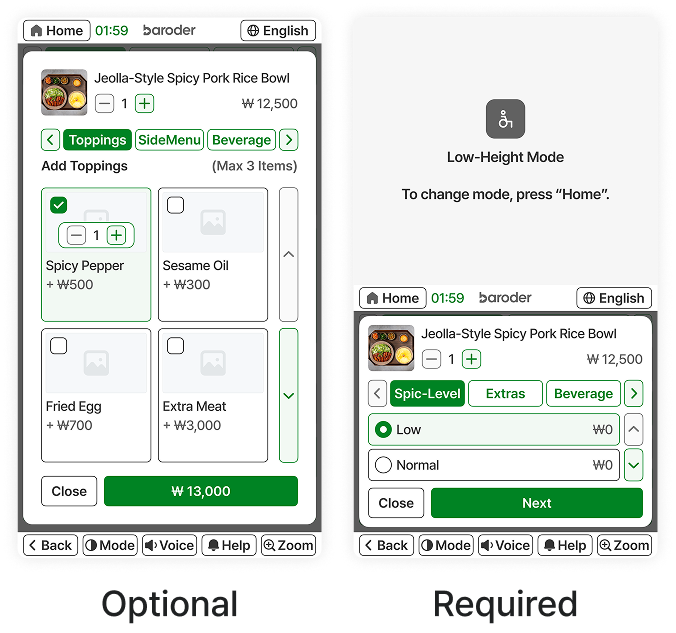
Baroder kiosk screen showing optional and required menu options Baroder kiosk screen showing optional and required menu options
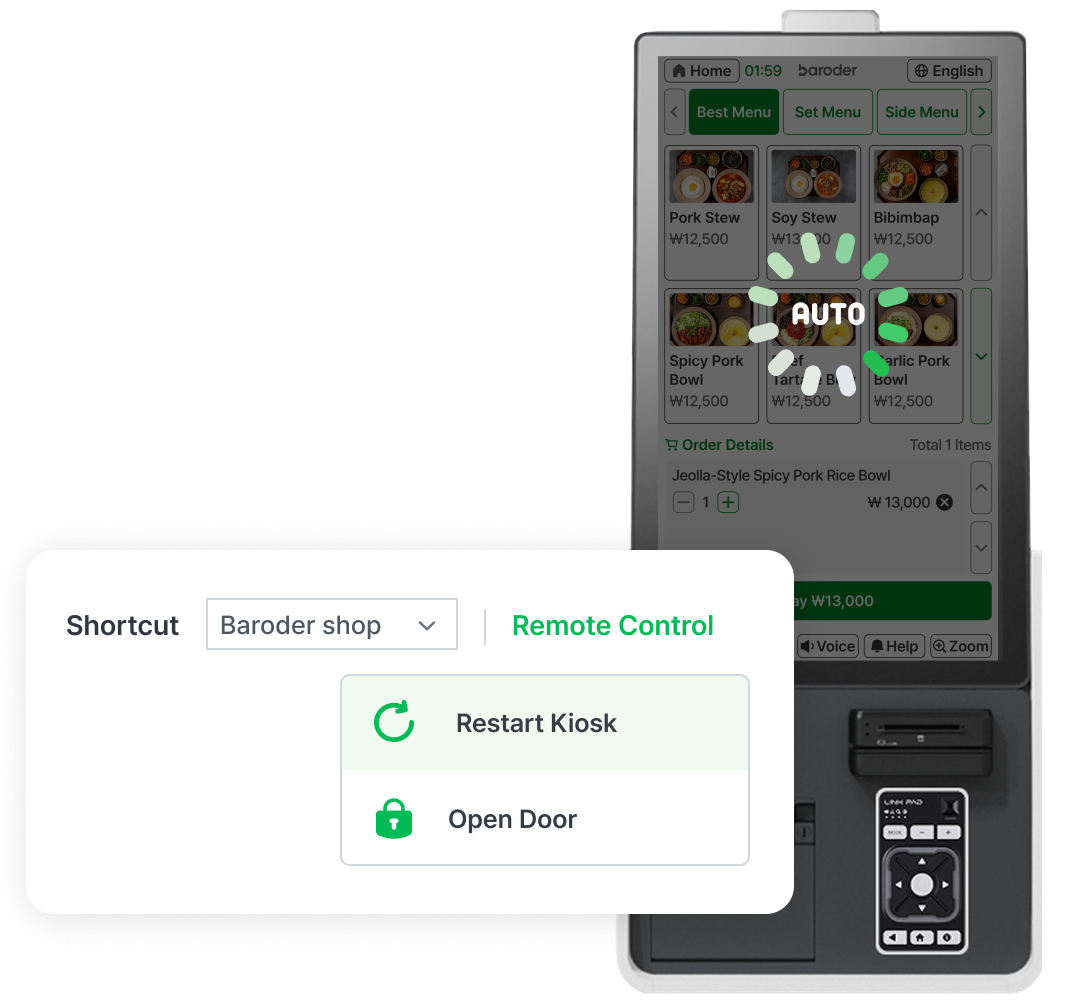
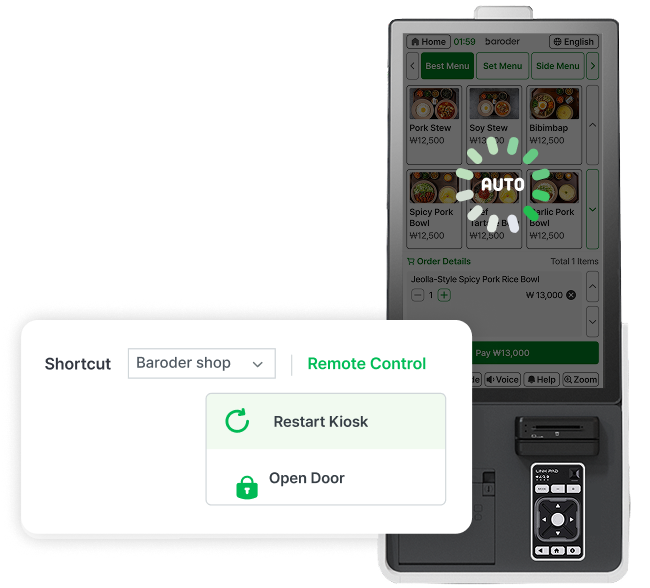
Baroder kiosk remote management screen with kiosk reboot function Baroder kiosk remote management screen with kiosk reboot function

When an issue occurs
with the kiosk

The Baroder barrier-free kiosk performs
automatic reboots on a regular basis.
If a problem occurs, it can also be rebooted remotely.

Only the essentials get updated
with the Baroder Kiosk

Explore real-world
Baroder Kiosk installations

Frequently asked questions

Which POS supports Baroder Kiosk?

Baroder Kiosk works with Baroder POS, MatePOS, OKPOS, and other supported POS systems.
Kiosk orders can be viewed on the connected POS.

Is Baroder Kiosk certified?

Yes. Baroder's accessible kiosk is NIA-certified and includes accessibility features for people with disabilities and older adults.

How to mark items sold out?

Change the product status to sold out or unavailable in Baroder Partner Center.
The change is reflected on the kiosk.

What support is available?

Contact Customer Support (1833-6990) or ChannelTalk for assistance.
Remote support is provided first, with additional technical or on-site support when needed.

How is Baroder Kiosk installed?

We review your store environment and operating needs, recommend the right kiosk setup,
then proceed with installation, setup, and user guidance.

From Opening Day
to Lasting Success,
Grow with Baroder

Business Inquiry

02)403-6990

Call the Baroder Sales Support Center
for faster assistance.

biz@cobosys.co.kr

Get tailored consultation
based on your store type.

Kiosk User Guide

Learn how to use Baroder Kiosk.

Learn how to use Baroder Kiosk.